TABLE MANAGEMENT
Tired of Chaos During Rush Hours?
With Modisoft’s Table Management System, your restaurant operations will run smoother, faster, and more profitably. Designed for restaurants of all sizes, our system helps you take control of your floor, optimize guest flow, and ultimately drive more revenue.
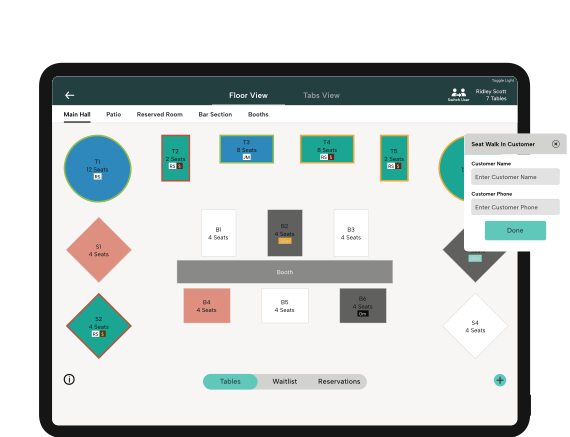
Take Control of Your Tables

Effortless Handovers
Shift-ending? Simply assign your table’s orders to the next server taking over.

Smooth Transitions
Ensure customers experience seamless service, no matter who’s serving them.

Flexible Table Assignments
Reassign orders instantly to match table changes.

Customer-Centric Service
Create a personalized dining experience by adapting to guest preferences.

Real-Time Order Updates
Orders go straight to the kitchen for faster preparation.
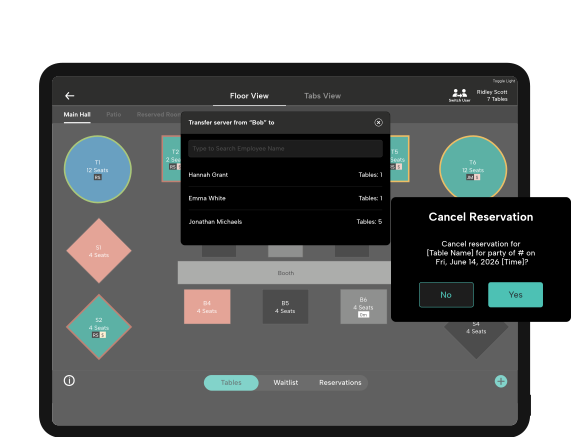
Seamless Order Transfers Between Servers

Better Communication
Ensure servers and kitchen staff stay aligned on every order.

Centralized Dashboard
View all orders in one place, ensuring no ticket is overlooked.

Real-Time Updates
Track each table’s progress so you’re never in the dark.

Error Reduction
Minimize mistakes by organizing orders in an easy-to-read format.
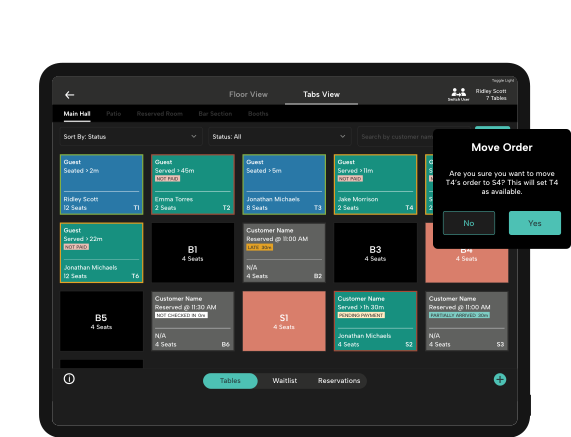
Table Management for Every Restaurant
Whether you serve burgers, oysters, or coffee we’ve got you covered.
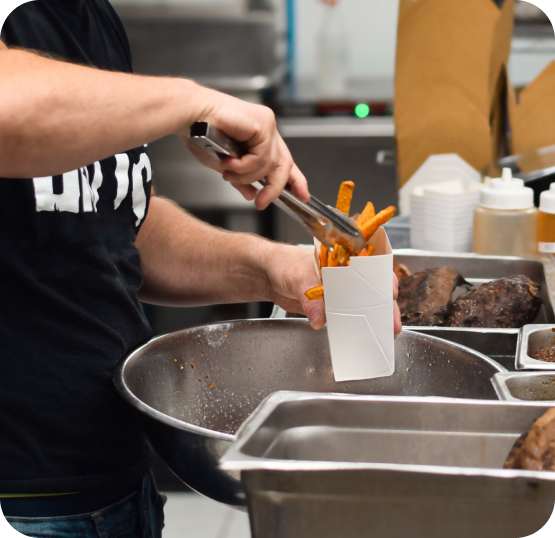
 Fast Food
Master the rush with table management tools that help you seat and serve every customer like a pro.
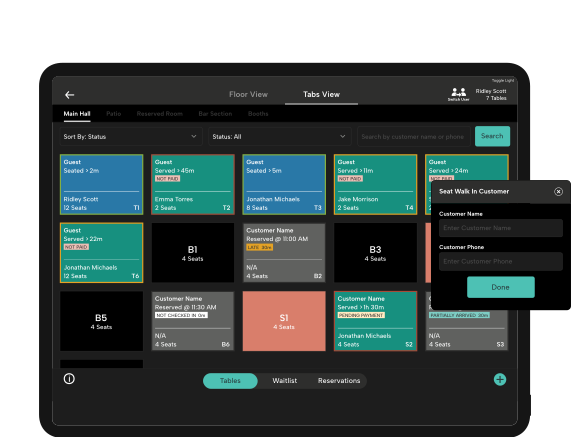
Customizable Floor Plan

Drag-and-Drop Functionality
Easily add or move tables to fit your needs.

Seating Arrangements
Customize seating configurations for different occasions, like romantic dinners or group events.

Real-Time Floor Updates
Change your layout instantly, keeping your team in the loop.
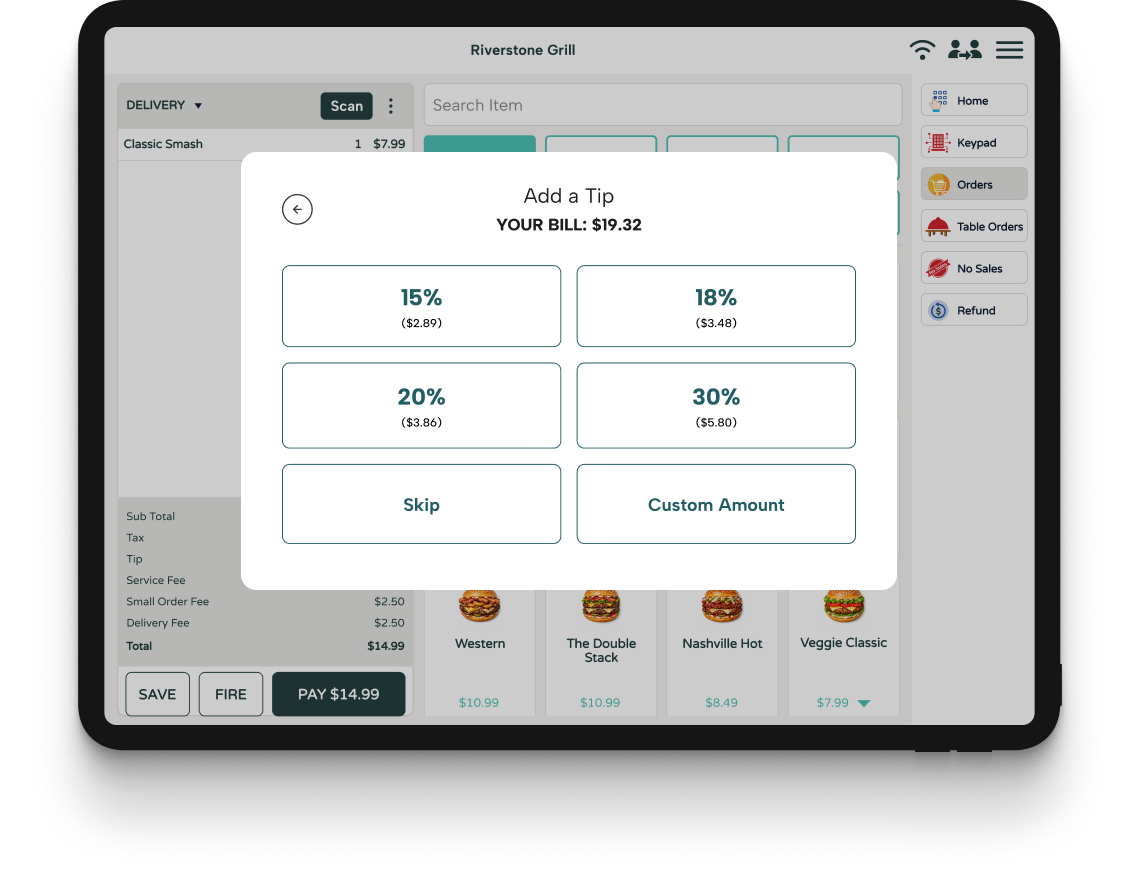
Payment Made Easy

Split Bills
Allow customers to divide the bill however they like—by item, or by person.

Contactless Payments
Secure, convenient, and fast payment options.

Integrated POS
Syncs seamlessly with your point-of-sale system to keep everything in one place.
Explore More Restaurant Products
Ready to transform how your restaurant runs? Gain more control over your operations, reduce inefficiencies, and empower your bottom line — all from a single software.

Online Ordering
Give your customers a seamless experience by switching to Modisoft online ordering system.


Kiosk
Serve customers quickly and streamline the ordering process with a Self-Service Kiosk.

Payments
No monthly fee, no commitments, no surprises. Easy and secure payments.

Restaurant Point of Sale
Simplify your operations with an intuitive Point of Sale system.

Kitchen Display System
Seamlessly connect your Front of House to Back of House.

Digital Display
Display a digital menu or promotions on a sleek Digital Display.
Empowering Growth Together
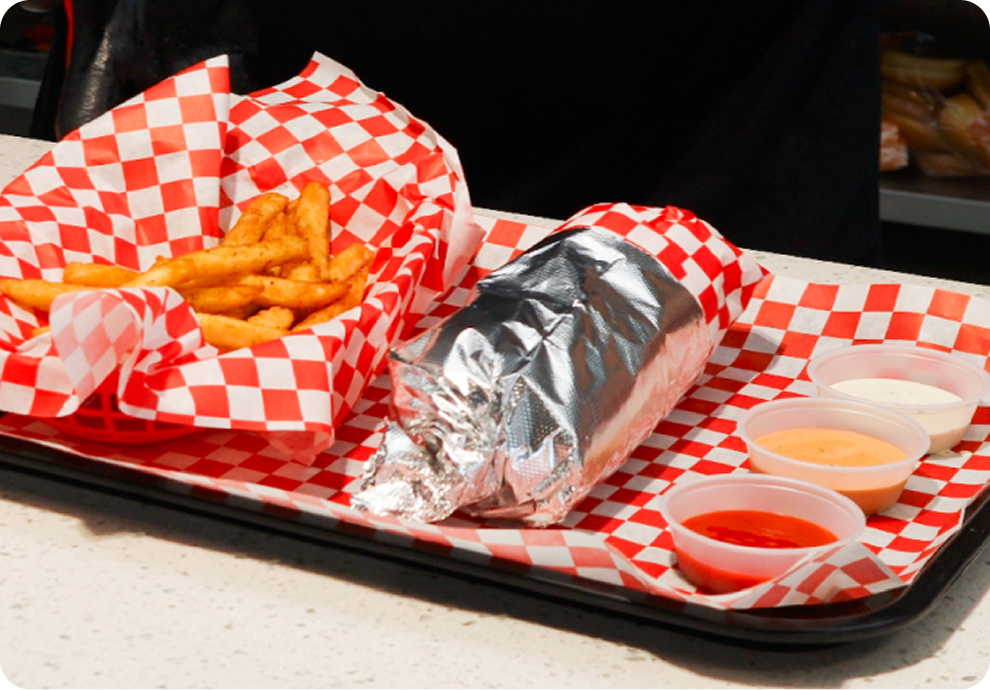 Cibolo Market
Cibolo Market’s Modern Makeover: Smarter Systems, Better Service
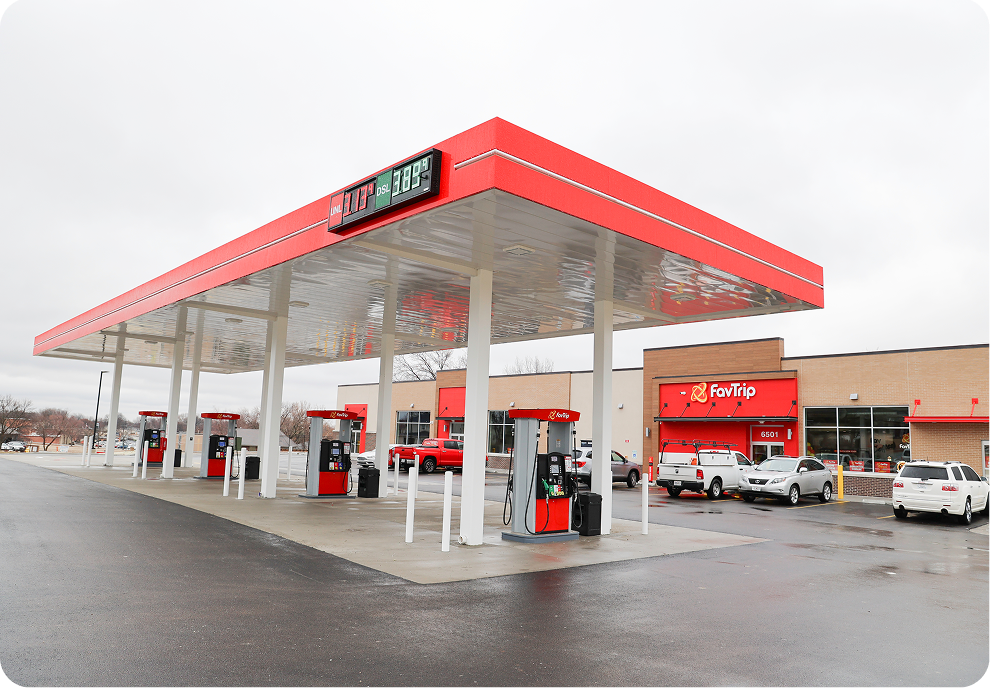 FavTrip
Building Loyalty & Efficiency: How FavTrip Leveled Up with Modisoft
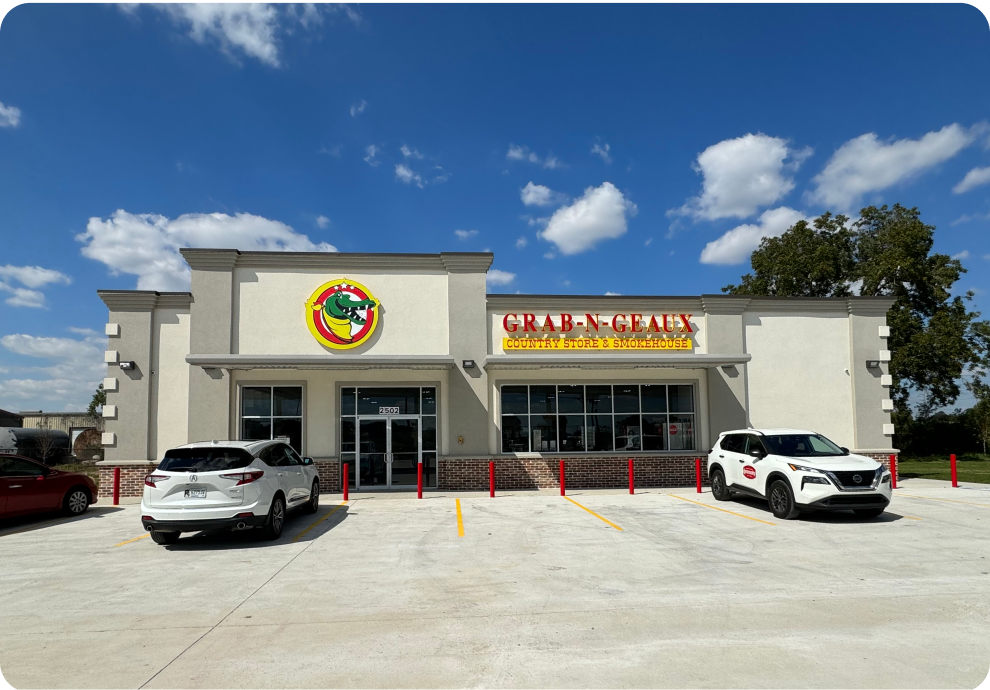 Grab-N-Geaux
From Bayou to Breakthrough: Grab-N-Geaux’s Louisiana Success
 Graboost
Data in Motion: How Graboost Uses Insights to Drive Growth
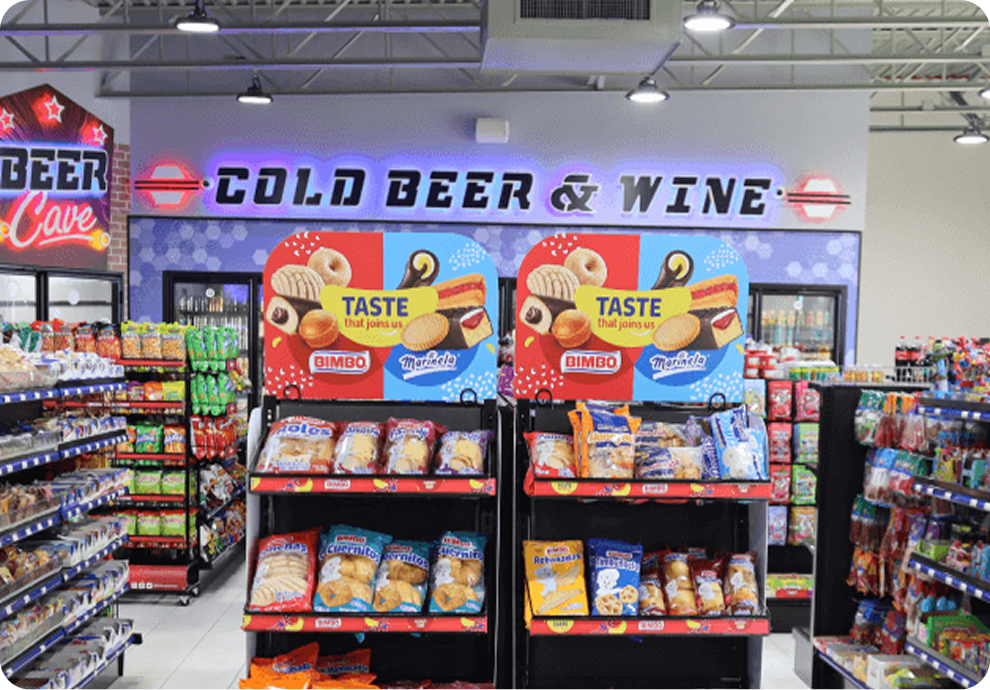 Mak's Convenience
Managing Growth with Confidence: Mak’s Operational Transformation with Modisoft
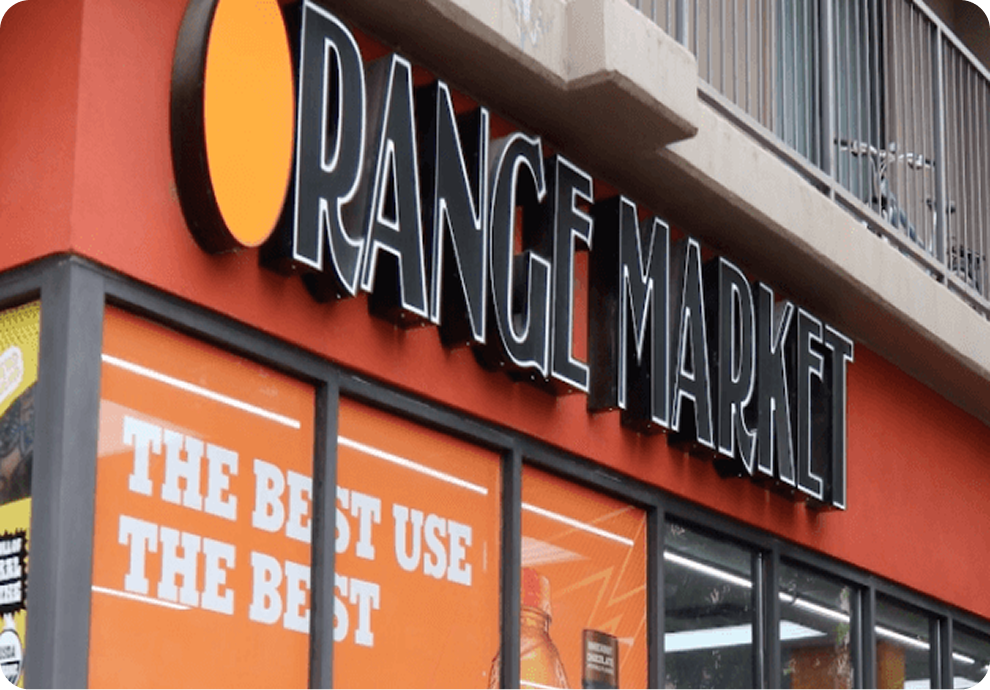 Orange Market
Meeting Students Where They Are: How Orange Market Went Digital with Modisoft
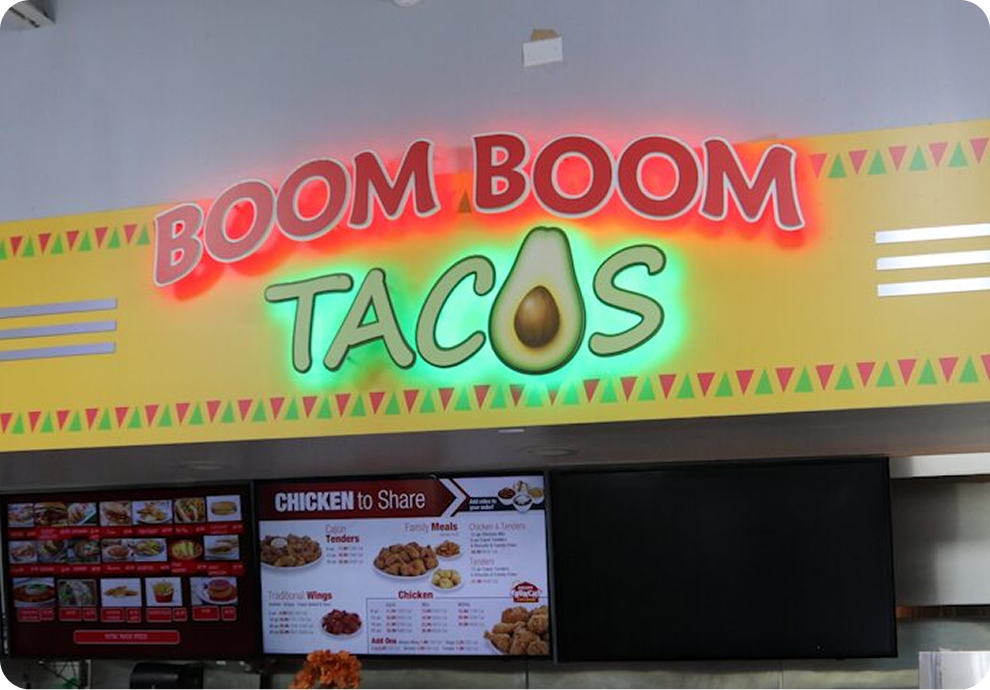 Roadster
Driving Expansion with Data: Roadster’s Journey to Smarter Operations
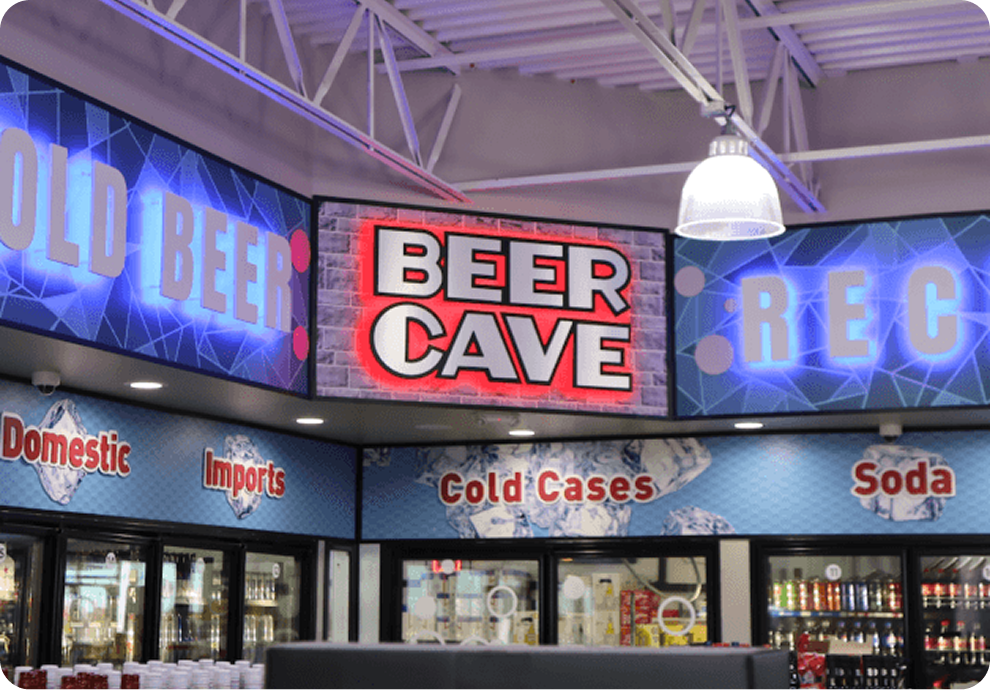 Time Mart
Fueling Loyalty: How Time Mart Keeps Customers Coming Back
PRICING
Powerful POS doesn’t have to break the bank.
Affordable plans for every business type.


Ready to Get Started?
Speak with a POS expert and learn how Modisoft can help your business.
FAQ
What is a table management system?
A table management system is a software solution that helps restaurants organize and manage seating and streamline order-taking and payments. It helps improve customer experience, increase efficiency, and drive more revenue by optimizing restaurant operations.
How can a restaurant table management system help my business?
A restaurant table management system helps streamline seating arrangements, manage and track orders, and simplify the payment process. By automating these tasks, you can improve efficiency, reduce wait times, and increase revenue.
Do I need special hardware for Modisoft Table Management System?
No special hardware is required! Table Management works seamlessly with Modisoft’s Restaurant POS system.
How easy is it to set up Modisoft Table Management System?
Setting up is a breeze! Our user-friendly interface and intuitive setup process mean you’ll be up and running in no time. Plus, our support team is here to help you every step of the way.
Can I customize my restaurant's floor plan?
With Modisoft, you can easily create and adjust your floor plan to suit your needs, whether it’s for daily operations or special events. Simply drag and drop to create the perfect layout.
Is Modisoft’s table management system suitable for all types of restaurants?
Yes! Whether you're running a fine-dining restaurant, a casual eatery, a bar, or a fast-food joint, Modisoft is designed to work for all types of restaurants. It’s flexible, scalable, and adaptable to your specific business needs.